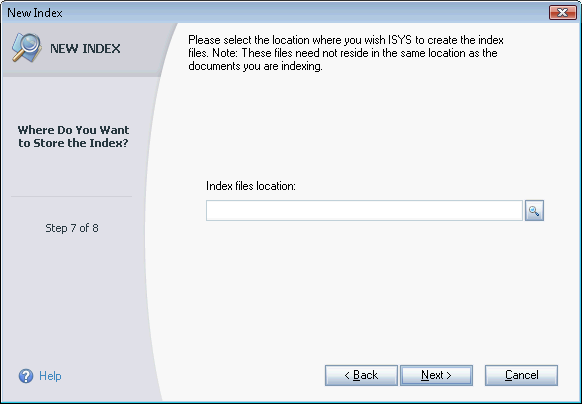
New Index Wizard - Index Path
Each index is simply a collection of files, stored in a folder on your file system. Each index must have its own folder. You can create many different indexes by specifying a different folder for each.
 View thumbnailView full size image
Perceptive Search will default the index location depending on whether the index is personal or shared. For personal indexes, the default location is "[User Application Data]\Perceptive Enterprise Search\Indexes\IndexName". For shared indexes, the default location is specified in Tools > Preferences > Storage Options.
You can override the location by clicking the
 Browse button.
Click Next when ready. You will be directed to the Confirmation page.